Make your own scenes.
Any scene in VoidQ can be mixed, recoloured and saved. This page shows what you can do in Create, the part of the app where you build your own looks.
Any scene in VoidQ can be mixed, recoloured and saved. This page shows what you can do in Create, the part of the app where you build your own looks.
A scene is made of layers, like sheets of glass lying on top of each other. A layer can be a VoidQ scene, a photo, a video or a plain colour.
You choose which layer is in front, how big it is, and how it mixes with the ones behind it.
An effect changes the whole picture. Turn one on, turn on five, and set how strong each one is. During a show you can also hold a key for a quick burst.



Free can run 3 effects at the same time. Pass and Pro have no limit.
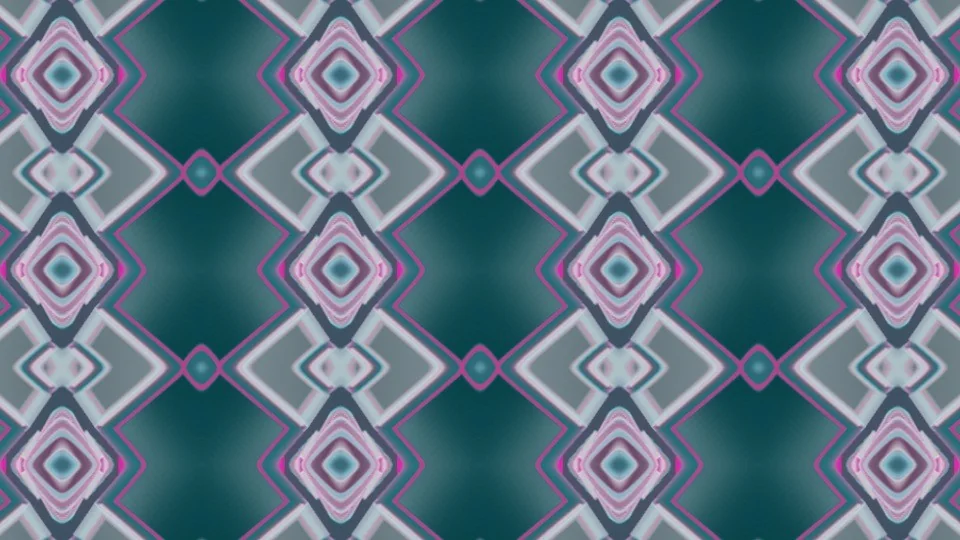
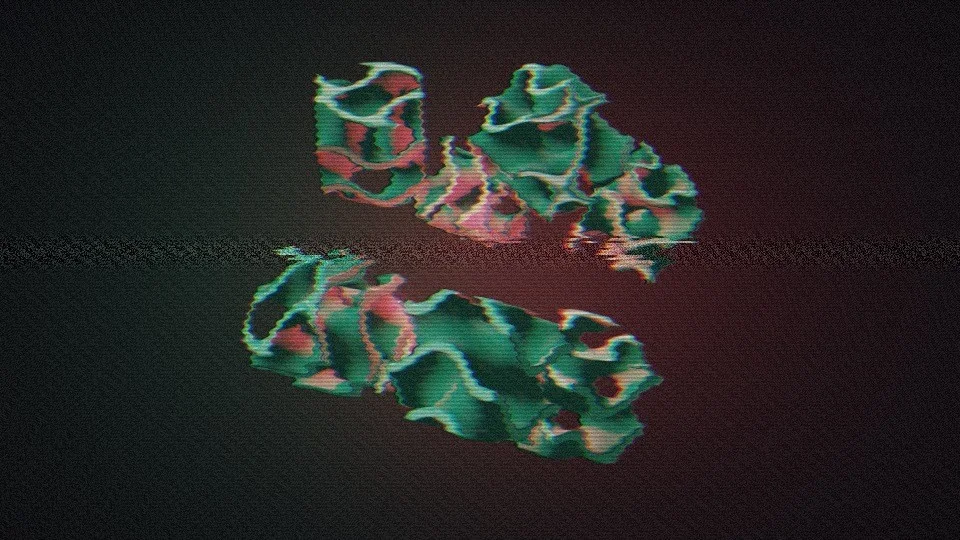
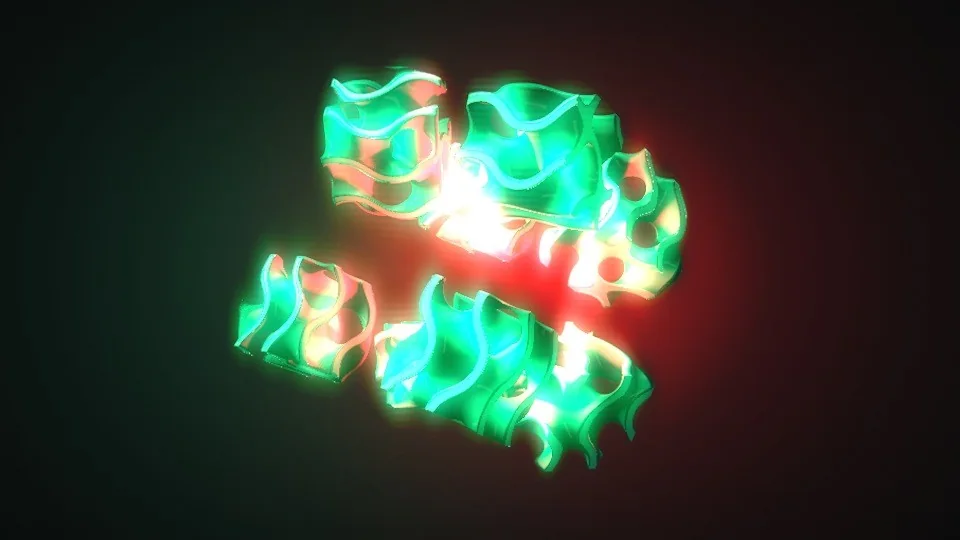
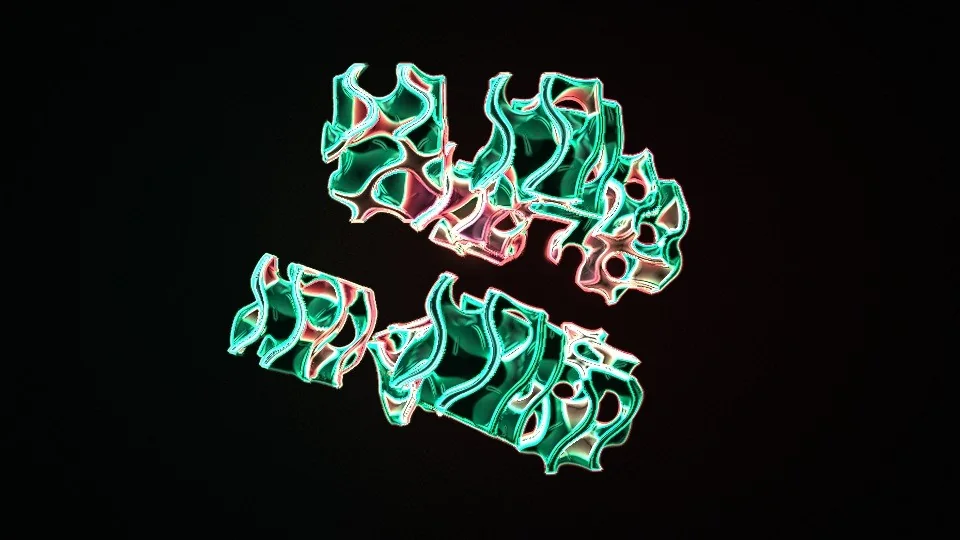
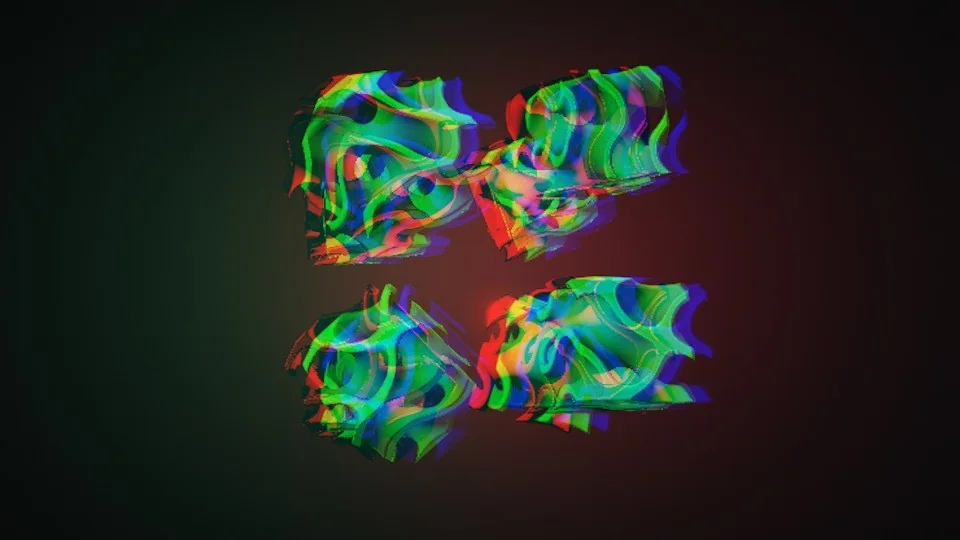
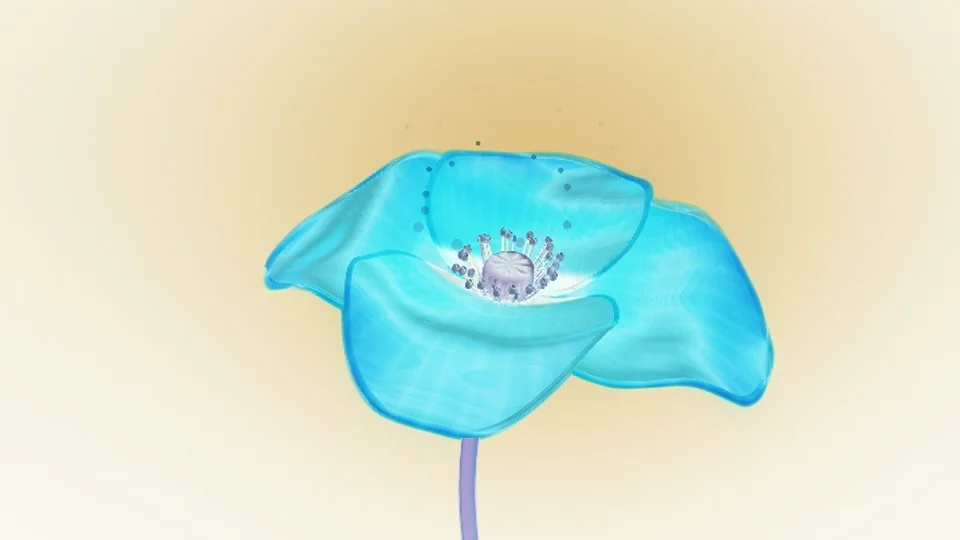
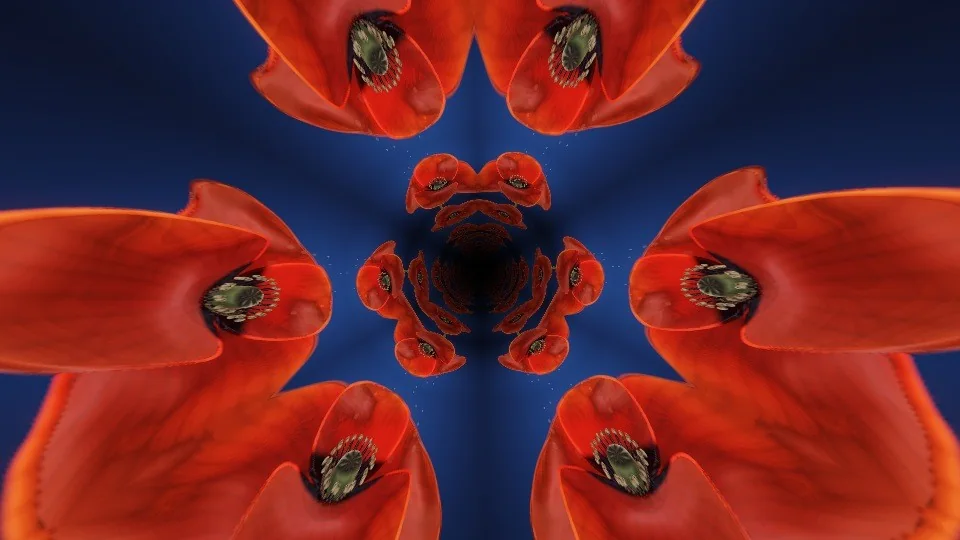
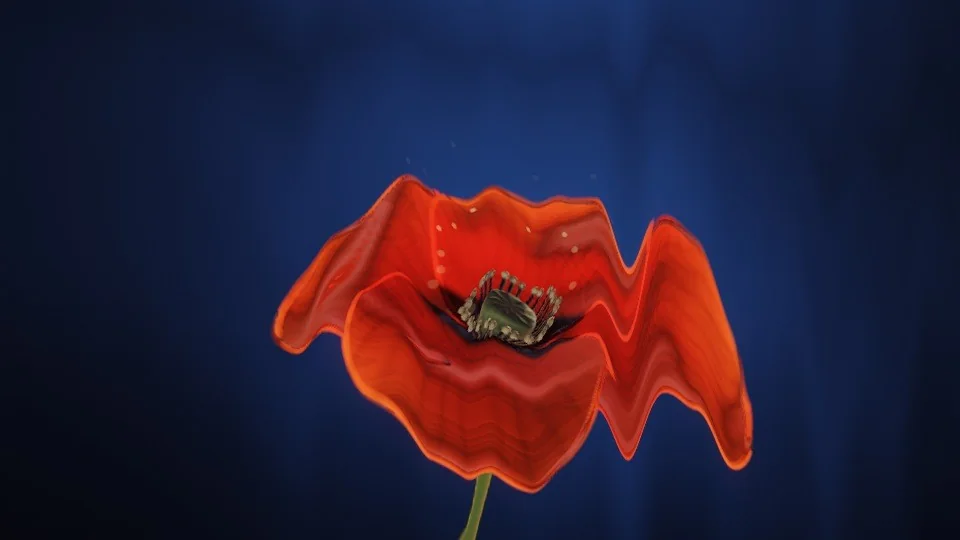
Any scene can be repainted. Pick one of 25 colour sets, or make your own. You decide how strong the new colours are, from a light tint to a full repaint.
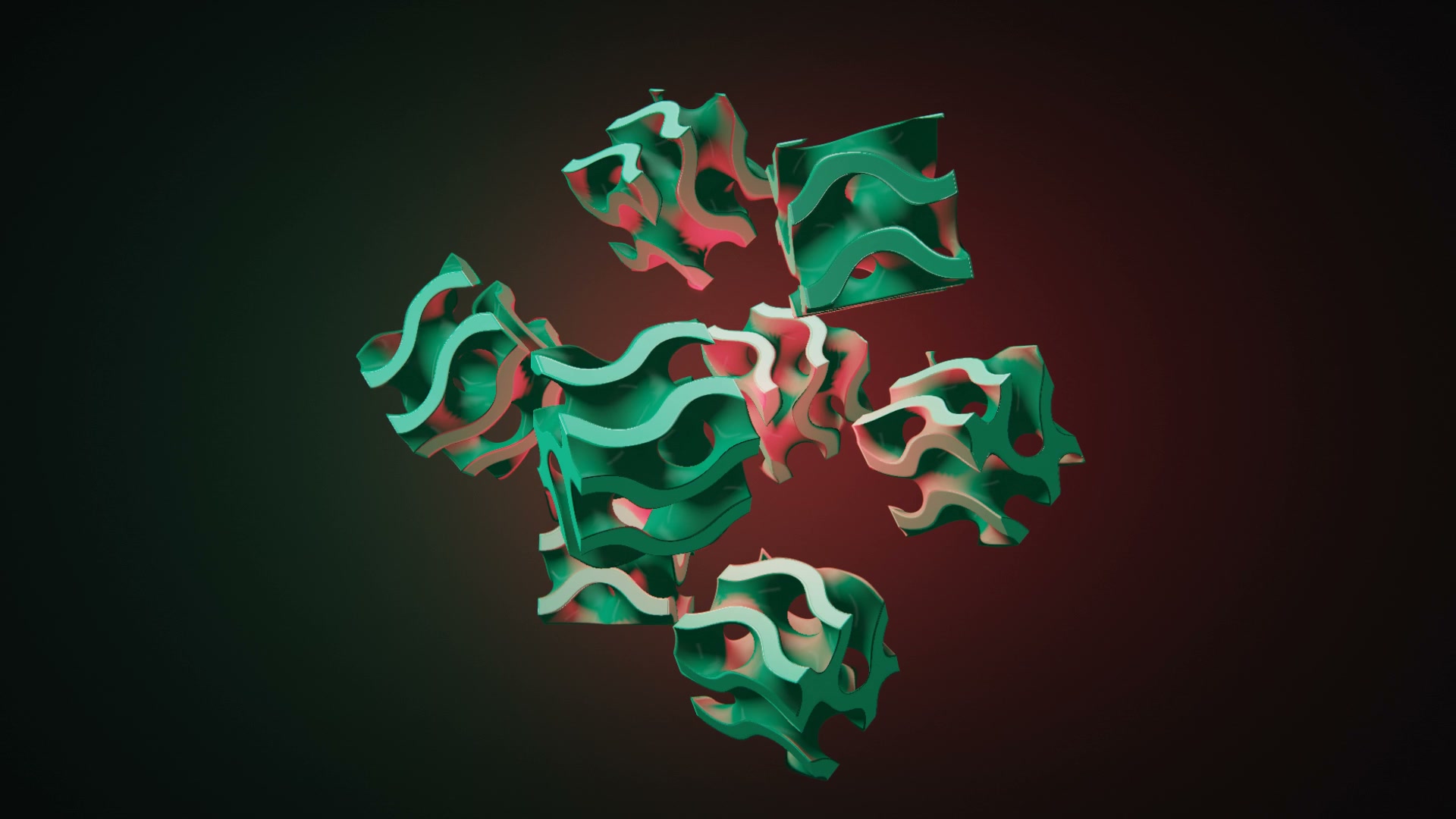
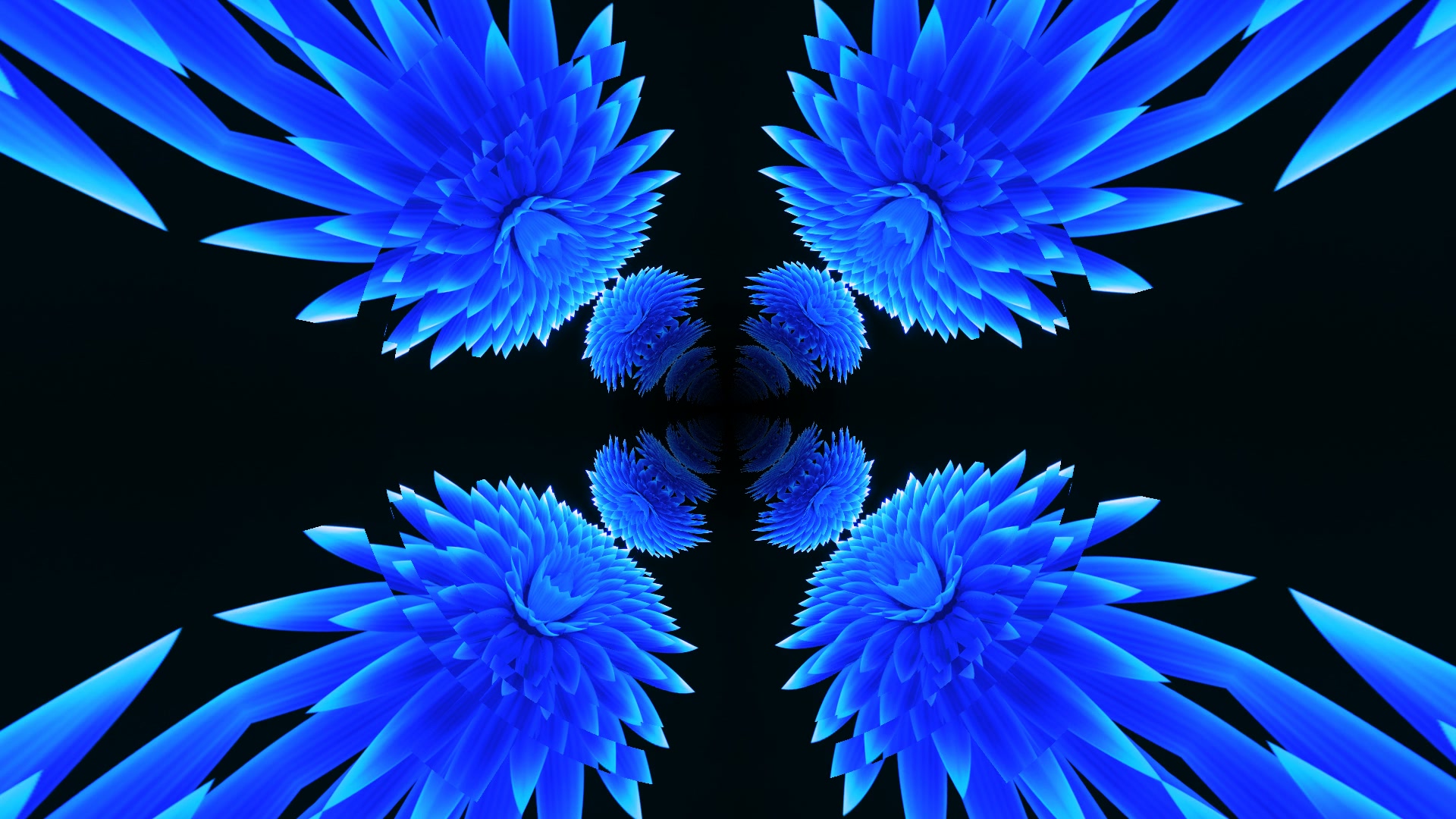
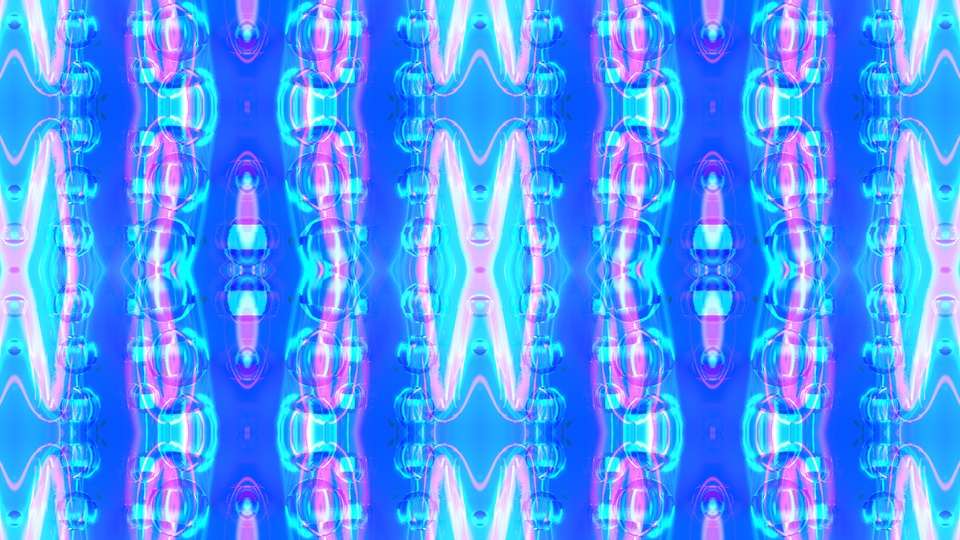
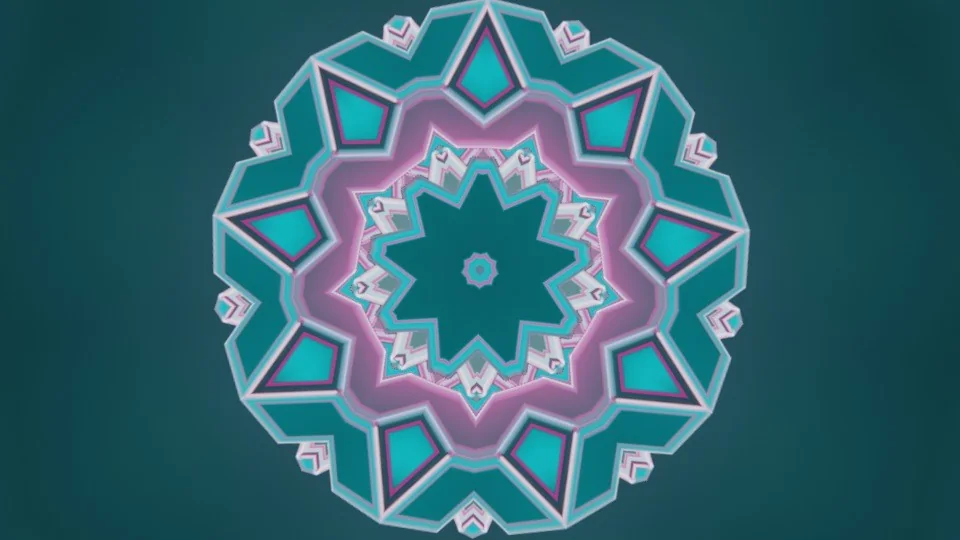
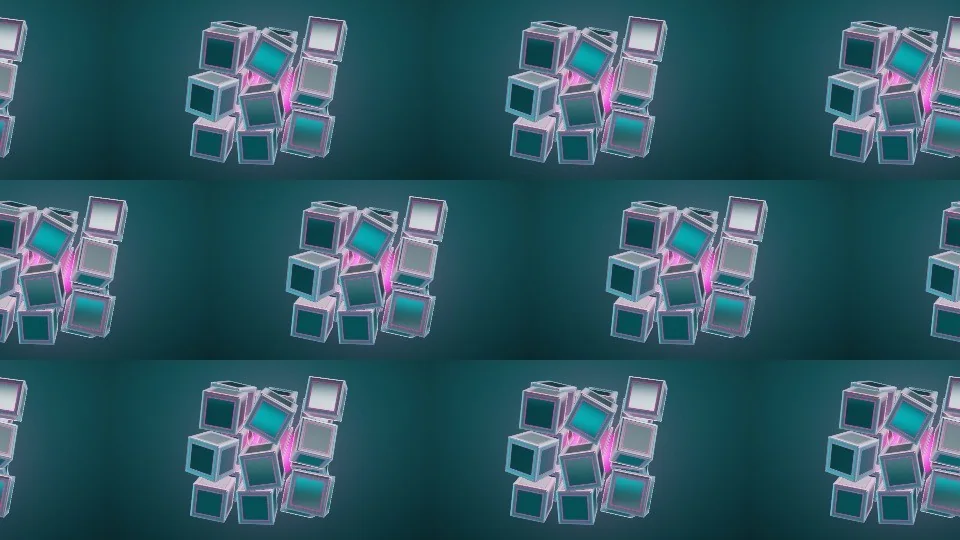
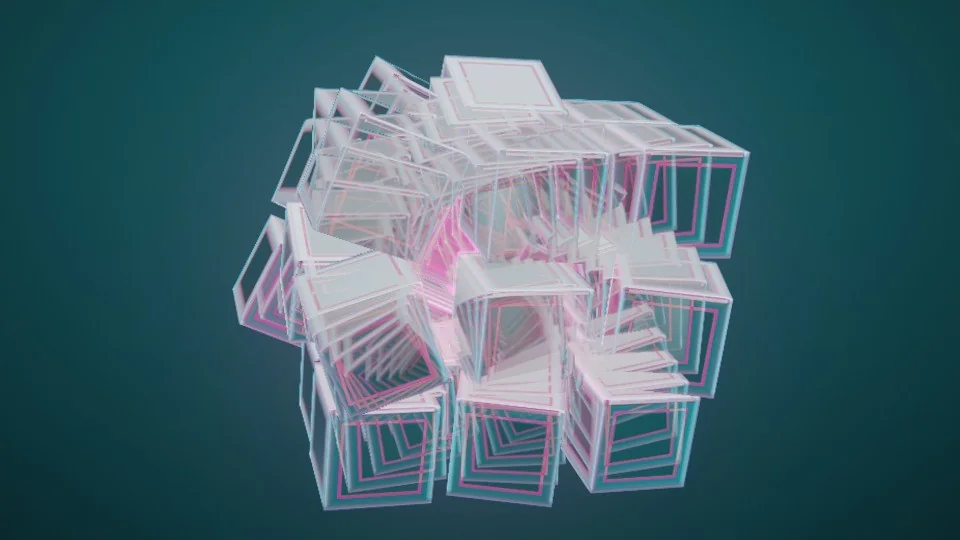
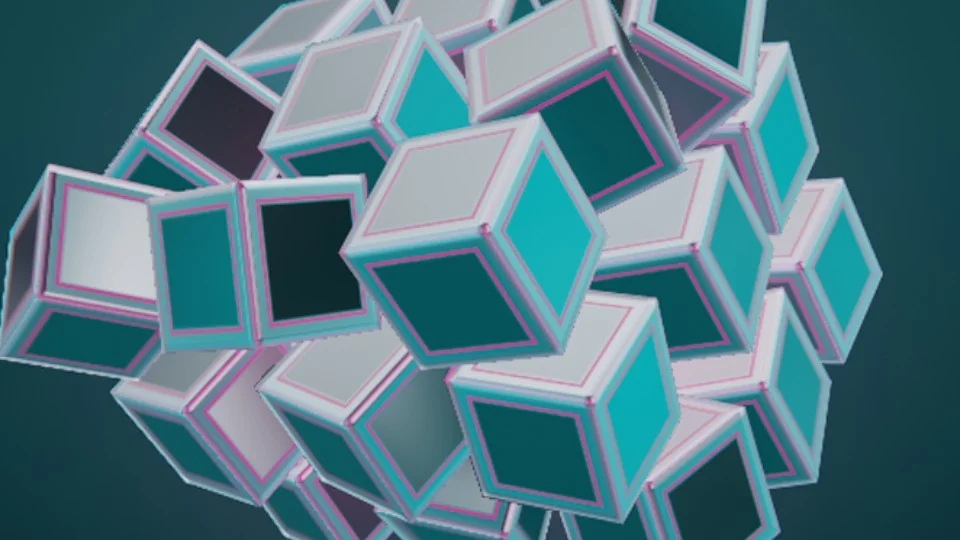
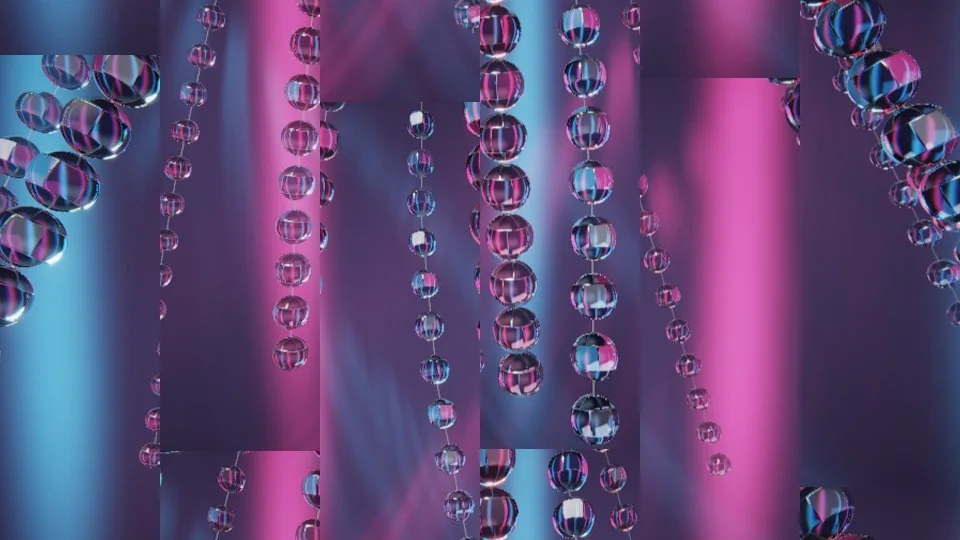
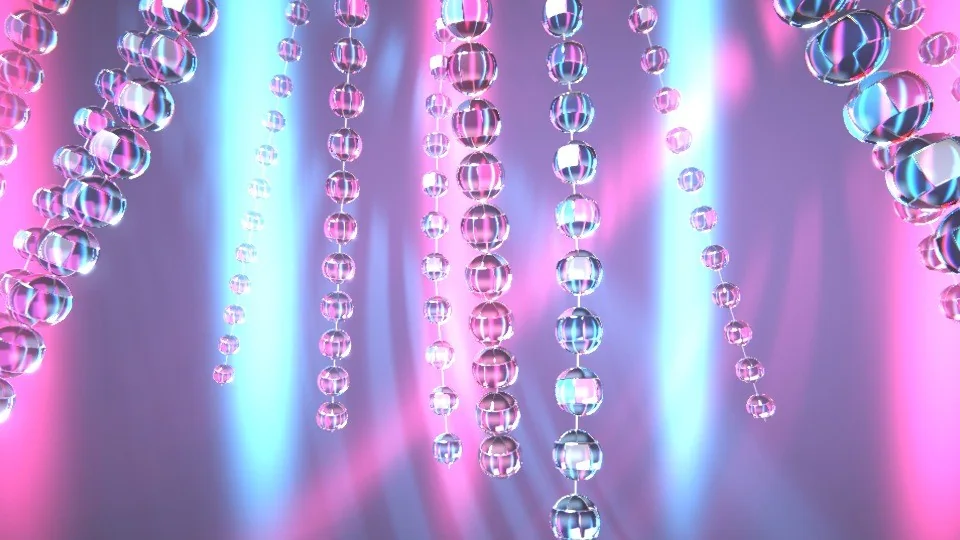
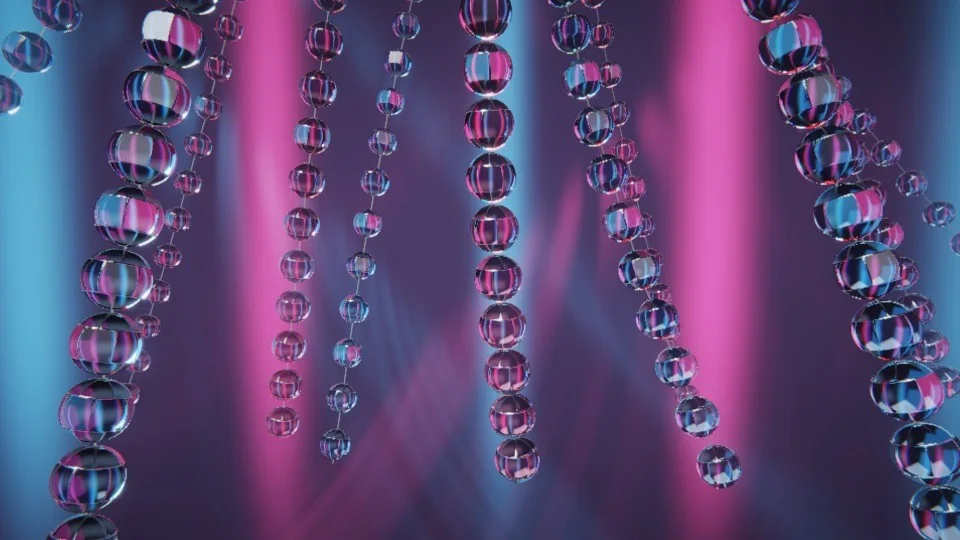
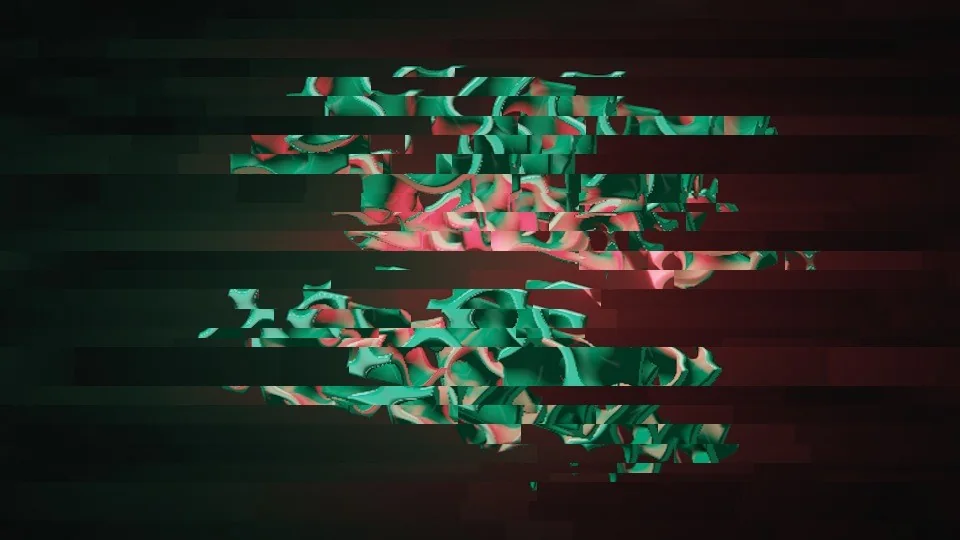
The four pictures here are one scene, tinted on this page to show the idea.
Use your own logo, or your venue's. VoidQ keeps it sharp on a big screen and can remove a plain background for you. Choose where it sits and when it shows: all the time, now and then, or on the big moments of the song.
Type a name or a message and pick its font, look and how it moves. The text sits on top of the scene. Free has 5 fonts; Pass and Pro have them all.
Drag them in and they become layers, like any scene. Free keeps 3 of your own files. Pass and Pro have no limit.
VoidQ can blend scenes by itself and hand you a set of new ones, called Remixes. They are made on your Mac, so yours are different from everyone else's.
When you like what you made, save it to a number key. Nine scenes make a set, and a show can hold several sets, so you can switch from a calm set to a party set with one press.
| Free | Pass | Pro | |
|---|---|---|---|
| Layers in one scene | 2 | 5 | 12 |
| Effects running at once | 3 | No limit | No limit |
| Your own photos and videos | 3 | No limit | No limit |
| Your logos | 1 | No limit | No limit |
Founder price
VoidQ comes out soon. The first 150 people to buy Pro pay $149 instead of $199, and for the first four weeks Pass is $59.99 a year instead of $79.99. Join the list and you'll hear before anyone else.
Prices are approximate. We charge in US dollars.
VoidQ isn't out yet. Join the list and you'll hear first. The first 150 people to buy Pro pay $149 instead of $199.
Coming to Mac first, then Windows. iPad, iPhone and Android later.
Made by Virtual Void, a projection studio in Toronto.